Get the size right
Scale the original pattern proportionally to a target width. Work in inches or centimeters.
FREE
YOUR GLASS. YOUR TIME. A CLEARER ESTIMATE.
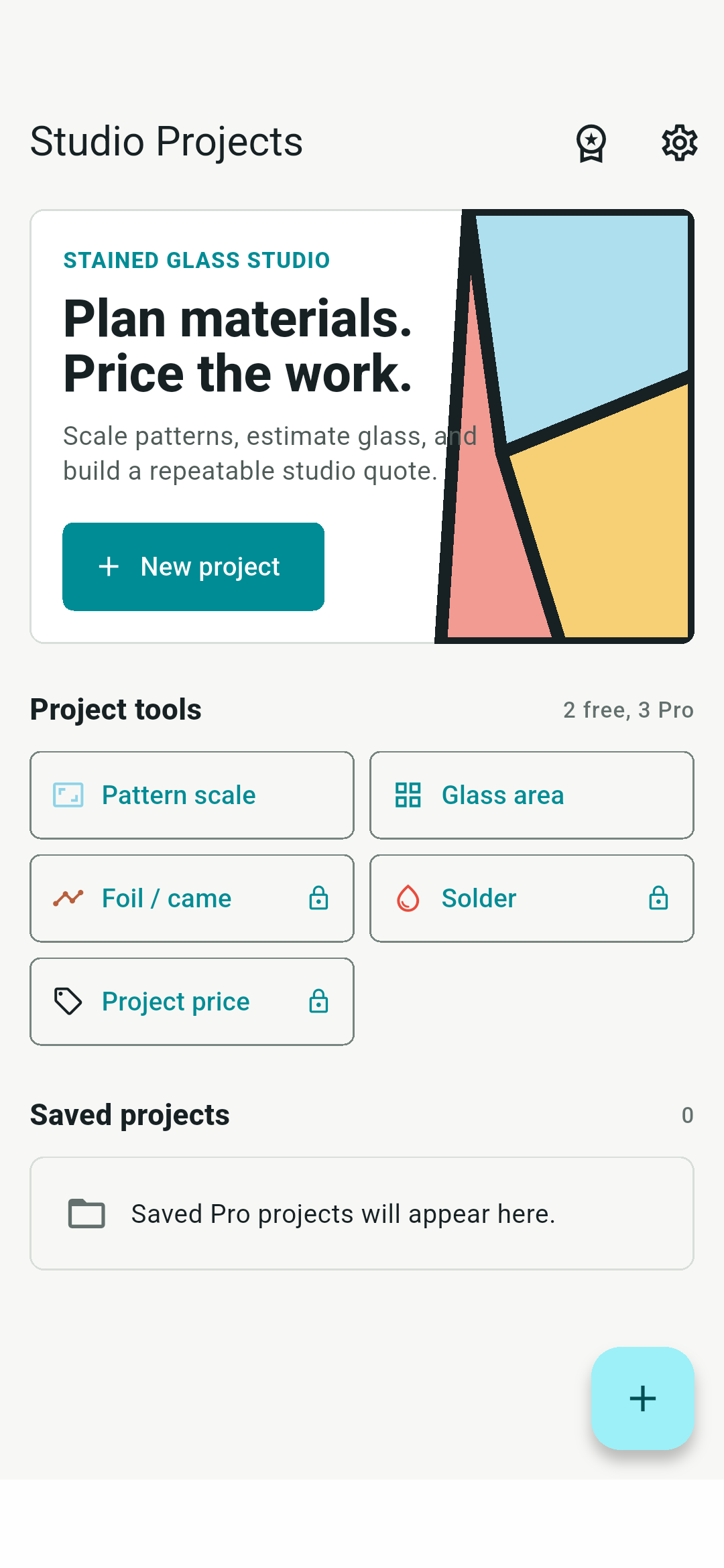
A stained glass calculator for Android and iPhone. Scale a pattern, budget glass, estimate foil or came, and price the work you put into it.
Free pattern scaling & glass area · Pro is US$7.99 once
FROM PATTERN TO PROJECT PRICE
Scale the original pattern proportionally to a target width. Work in inches or centimeters.
FREE
Estimate glass area with coverage and cutting waste. Pro adds foil, lead came, package counts and solder consumption.
Understand material estimates →Add materials, labor and overhead, then compare markup with target margin. Save a project, reuse rates and export CSV with Pro.
Work through a pricing example →YOUR STUDIO STAYS ON YOUR PHONE
Calculations and saved project data stay on your device. There is no account to create and no subscription.
Android purchase and license restoration need an internet connection. A verified Pro license works offline for up to seven days before another check is needed.
ANDROID LIFETIME PRO
US$7.99One purchase for this Android app.
iPhone purchases use the App Store and are separate from Android licenses. A license restores Pro, not deleted project files.
OFFICIAL ANDROID DOWNLOAD
Version 1.0.0 · Android 7.0 or later · Signed APK from Mindsle
Most recent Android phones use ARM64. For older 32-bit devices choose 32-bit ARM. For compatible Intel devices choose x86_64.
Keep Android's security checks enabled. After installation, you can turn off that browser's installation permission. Future releases use the same signing key so installation can update the app.
Pattern scaling and glass area estimates, including coverage and waste. Saving projects, presets, material tools, pricing and CSV export require Lifetime Pro.
Foil wraps each piece perimeter. For a rectangular panel with measured internal joins, the estimate is twice the internal join length plus the outside border, then your allowance. Lead came uses one length per join. Irregular shapes, gaps and overlaps need measured inputs and judgment.
No. Enter dimensions, measured seams or piece-count averages yourself. It does not scan photos, create cutting patterns or provide structural advice.
Keep the private license code issued after payment. Open the Pro screen and choose Restore license. The code grants access to Pro, so do not share it publicly.
They are planning estimates based on your measurements and rates. Cutting loss, glass layout, foil overlap, came profile, solder bead and technique affect actual consumption. The app does not suggest a universal hourly rate or selling price.